How I designed two versions of (re)Route –each a different answer to the same problem, each teaching me something about what it means to build with AI.
Navigation apps treat journeys as dead time between A and B. But the people I interviewed didn't want faster routes –they wanted a reason to look up. This question drove both versions of (re)Route, and the pivot between them.
My first instinct was to build a better Google Maps. Instead of just "fastest route," what if the app understood why you were walking?
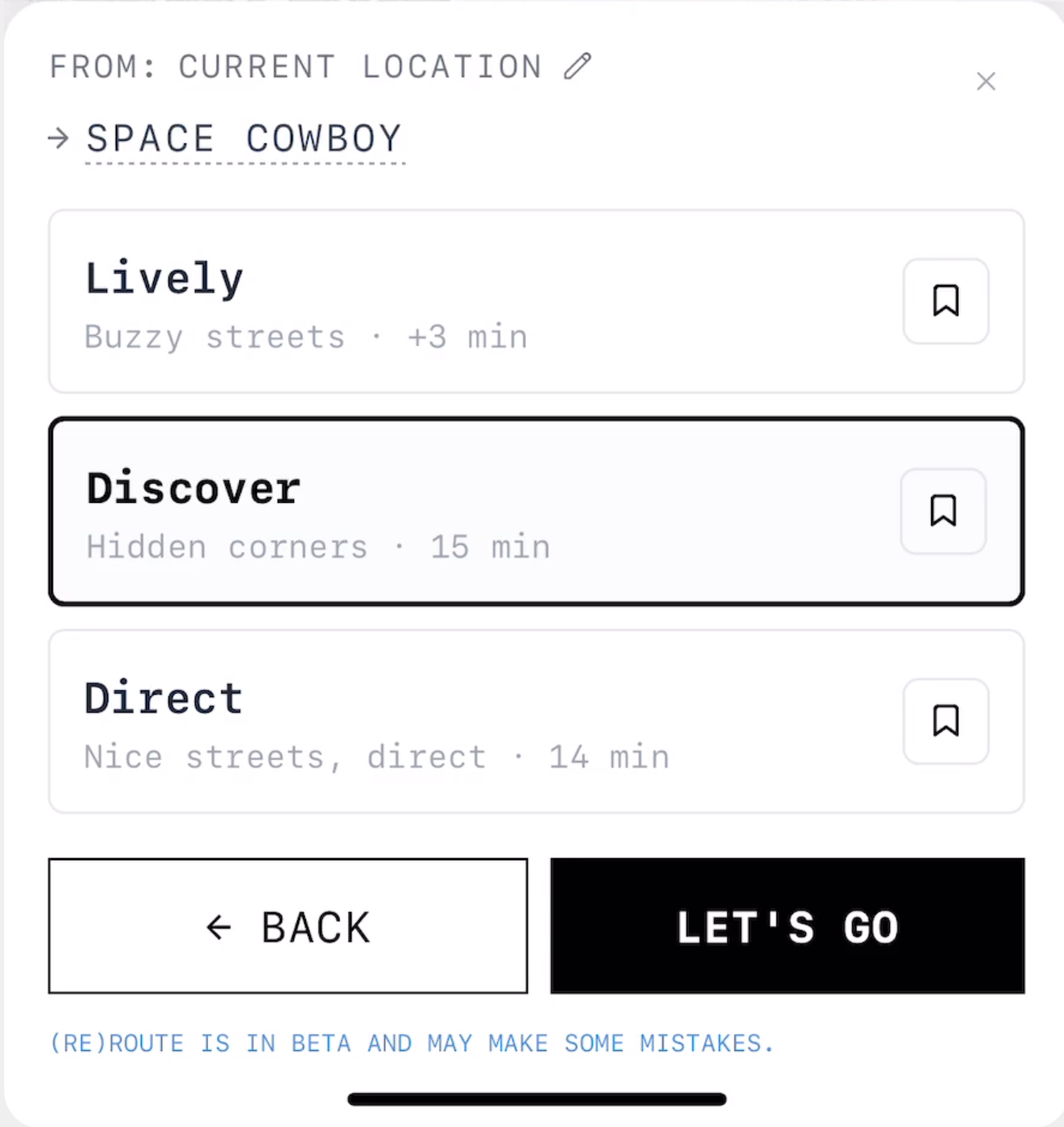
Google Maps has one paradigm: search → route → follow. User research showed three distinct walking intentions that needed different interfaces:
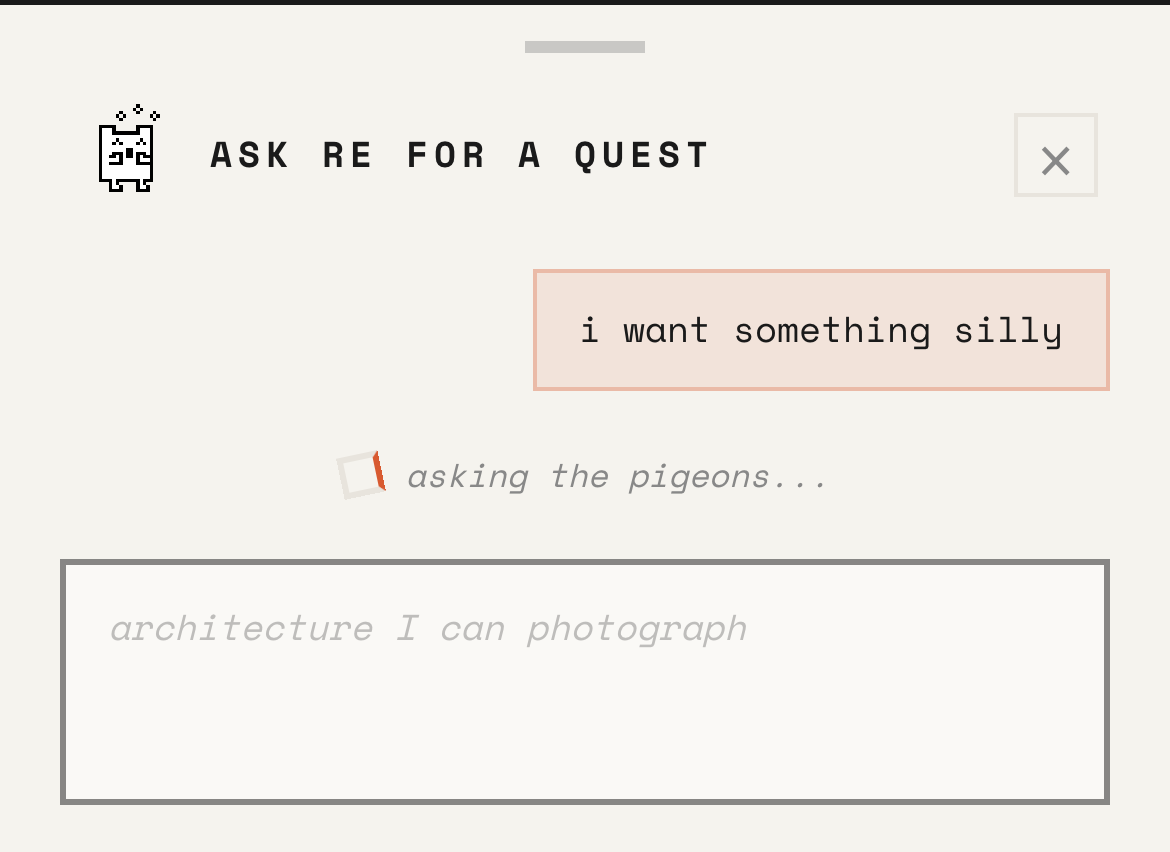
The AI doesn't talk to the user. It classifies their query into one of 6 action types and returns structured parameters that drive a deterministic UI pipeline. One GPT-4o-mini call decides the action; specialised executors handle the rest.
| Action | Trigger |
|---|---|
generate_walk | "calm 30 min walk," "get lost" |
dest_route | "walk to Sagrada Familia" |
search_places | "best vermut," "laptop-friendly cafe" |
plan_experience | "artsy date night," "vermut trail" |
themed_walk | "Gaudi walk," "gothic quarter" |
explore_area | "explore Gracia," "waterfront" |
The orchestrator also classifies which search pipeline to use:
All reasoning/web candidates pass through a hallucination filter: cross-checked against Google Places. If the place doesn't exist, it's dropped.
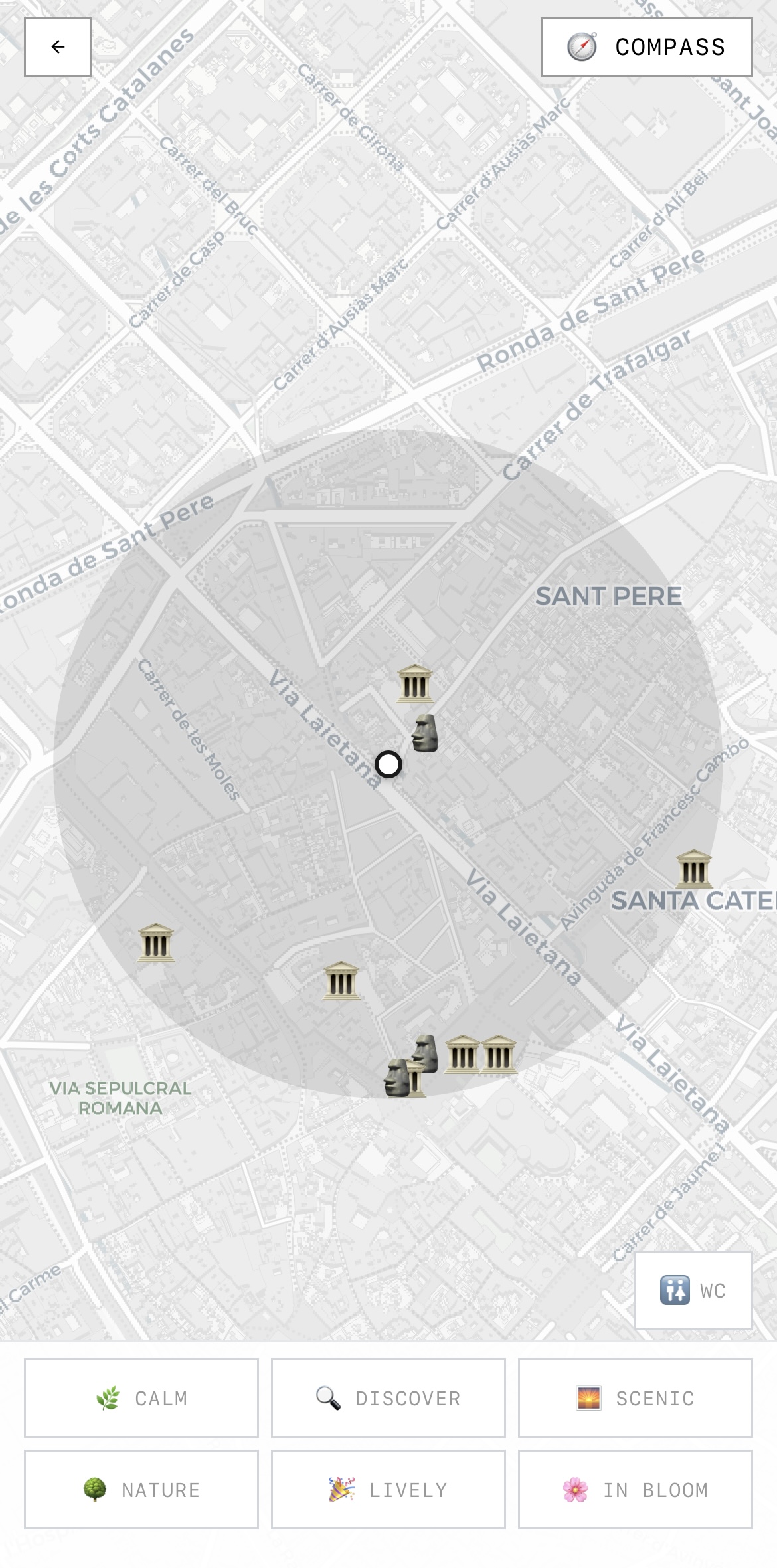
119,000 street segments scored across 5 dimensions (noise, greenery, cleanliness, cultural richness, liveliness) from Barcelona Open Data. Each mood applies different weights to generate distinct route alternatives from the same origin/destination.
Barcelona Open Data Street quality scoring that Google doesn't have.
372 synthetic POIs Places that don't exist in Google Places.
User-centred pipelines Different UX flows per query type.
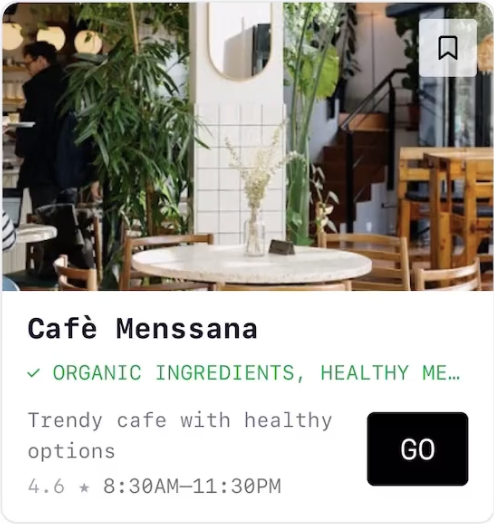
The key UI challenge: AI does a lot of work behind the scenes, but how does that intelligence appear to the user? Every AI output needed a visual home that felt earned, not generic.
✓ COZY ATMOSPHERE FOR WORK in green.
Places search, keyword-based, no nuance. The tool wasn't the problem. The paradigm was. Even people who said they wanted to explore more defaulted to "tapas near me."
"For me, that's all the problem of motivation to explore rather than knowing where to go once you are in the mood to explore."
* People don't need more directions. They need more inspiration.
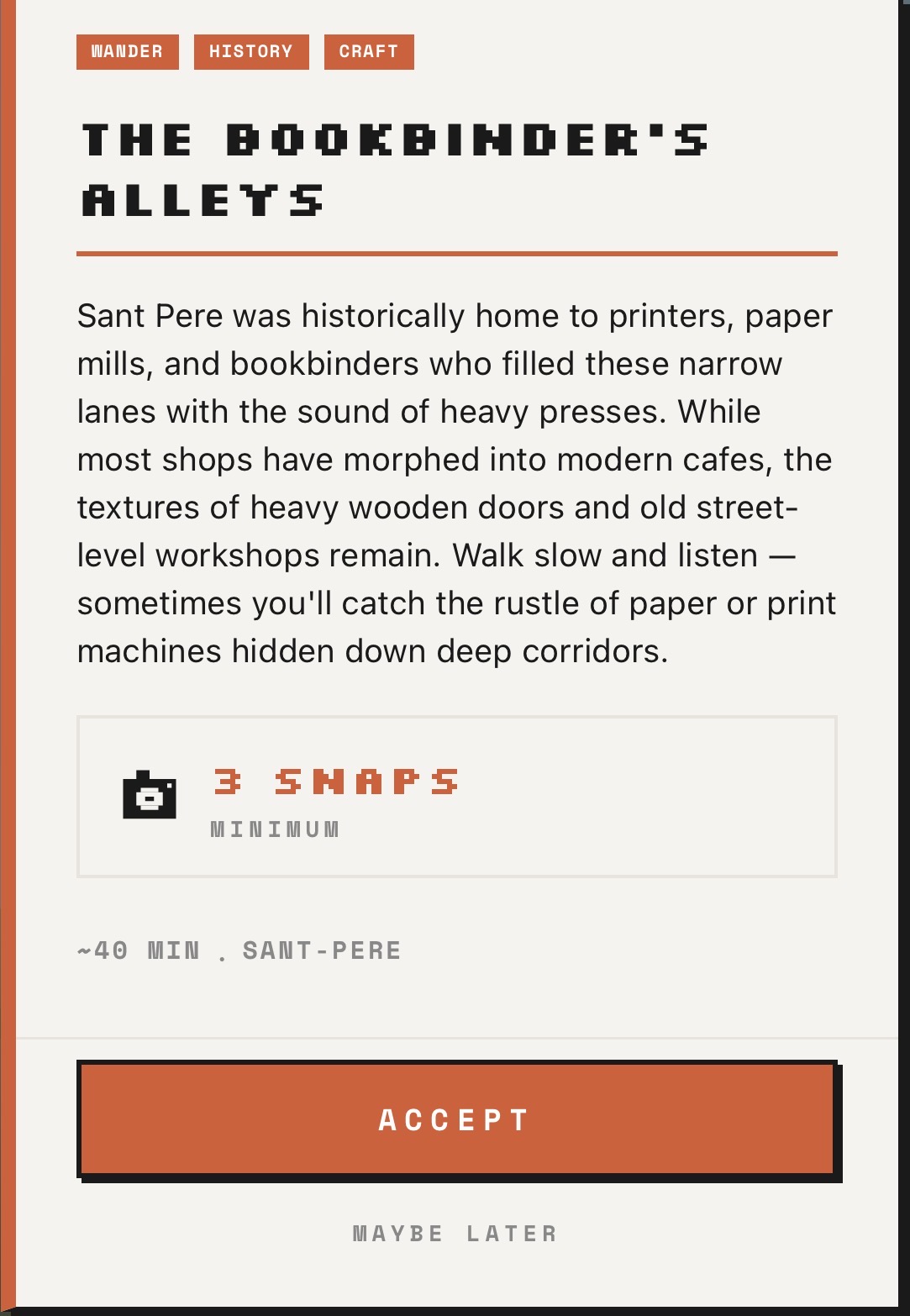
The search → route → follow loop is single-use and screen-heavy. Quests create a repeatable gameplay loop with progression, and they give people the reason to go outside that the map never could.
V1 built a smarter map. V2 asks: what if the app didn't show you a map at all? What if it gave you a reason to walk –and a camera to prove you did?
Each type tests a different kind of presence:
Quests should never feel stale. Five sources with different approaches:
Quest fatigue is the #1 threat. If generation quality drops or quests repeat, the magic dies. Five sources with different refresh rates (real-time / daily / personalised / stable / on-demand) ensure there's always something genuinely new. The library is the floor; live events are the ceiling.
High snaps + few map interactions = the phone is a camera, not a GPS.
SNAP is the moment where AI and human presence meet. The user photographs something; the AI judges whether it matches the quest's intention. The calibration is critical:
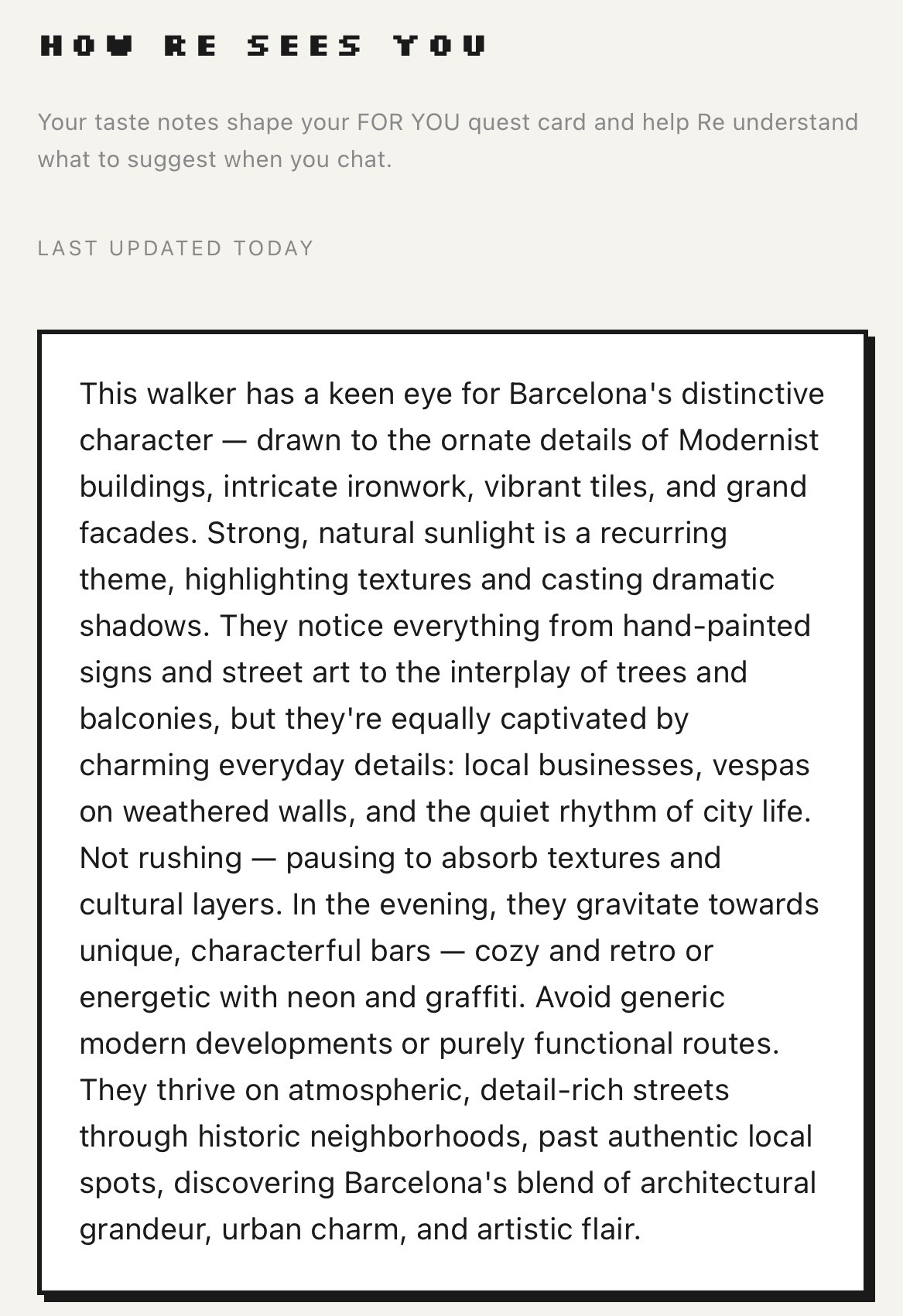
Your snaps teach the app what you notice. Over time, it reflects your attention back as quests designed for the way you see the city.
The taste profile creates switching cost that no competitor has. Google has POI data. (re)Route knows what you notice. The profile is built for free in your home city –it becomes the reason tourists pay for city unlocks.
You're collecting evidence of your own attention. The game is between you and the city –progress without pressure.
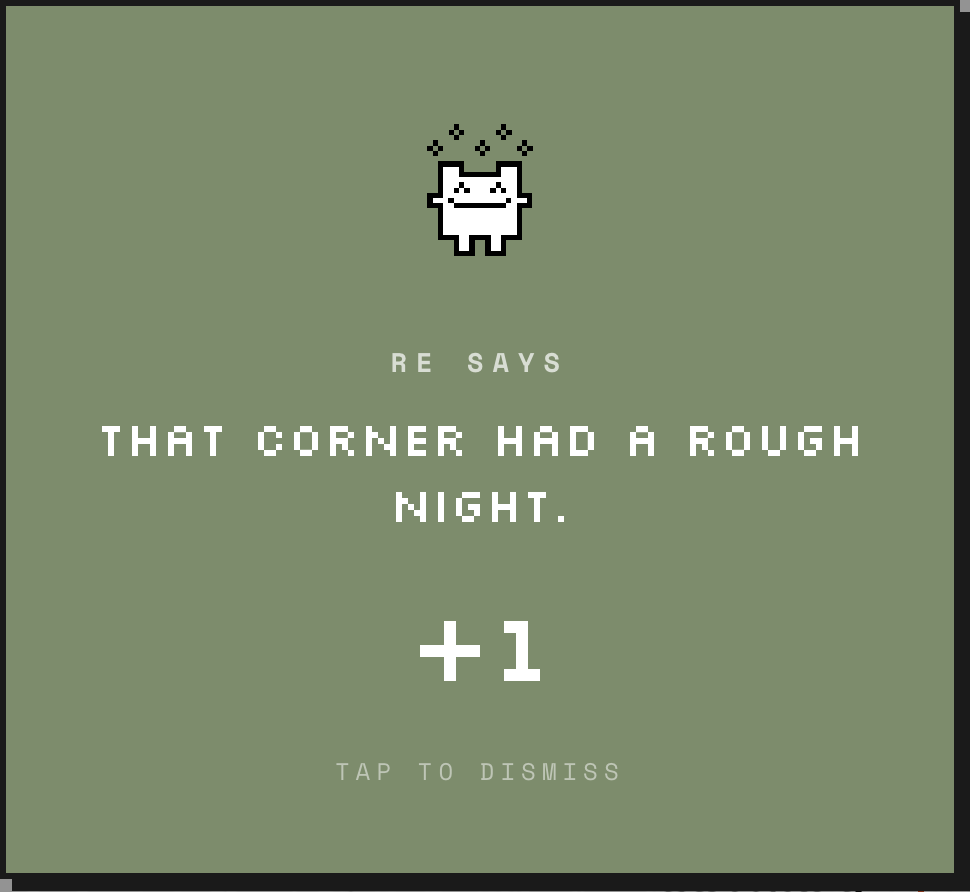
In 2.0, AI is more present but more hidden. Every AI output is wrapped in game language and pixel art, so it never feels like "talking to an AI."
In 1.0, AI output appeared as data annotations layered on top of places and routes. In 2.0, AI output appears as game content wrapped in a visual identity.
But not everything that feels smart is AI. The responsive landscape, the countdown timers, Re's thought bubbles – these are deterministic design choices (weather APIs, cron jobs, conditional rendering) that create an ambient sense of awareness. They make the actual AI outputs land in a context that already feels alive.
| Decision | 1.0 | 2.0 | Why it changed |
|---|---|---|---|
| Navigation | Route polylines (ORS) | Compass ring only | Polylines replicate Google Maps. The compass forces you to navigate by looking at the city, not the screen. |
| Core loop | Search → route → follow | Quest → walk → snap → earn | Routes are single-use. Quests create a repeatable gameplay loop with progression. |
| AI role | GPT-4o-mini classifies intent, ORS generates path | Gemini generates quests, validates snaps, builds taste profile | Shifted from routing intelligence to creative intelligence. AI writes the narrative and judges photos. |
| Identity | Anonymous, stateless | Device UUID, persistent | Quest completion, badges, and taste memory require identity that persists across sessions. |
| Camera | Not implemented | Full snap system + AI validation | Snaps turn walking into active noticing. The camera reframes exploration as attention. |
| Design | Tailwind + monospace brutalism | Pixel art brutalism (Silkscreen + Space Mono) | No rounded corners, hard shadows, pixel art landscape. The app should feel like a game, not a tool. |
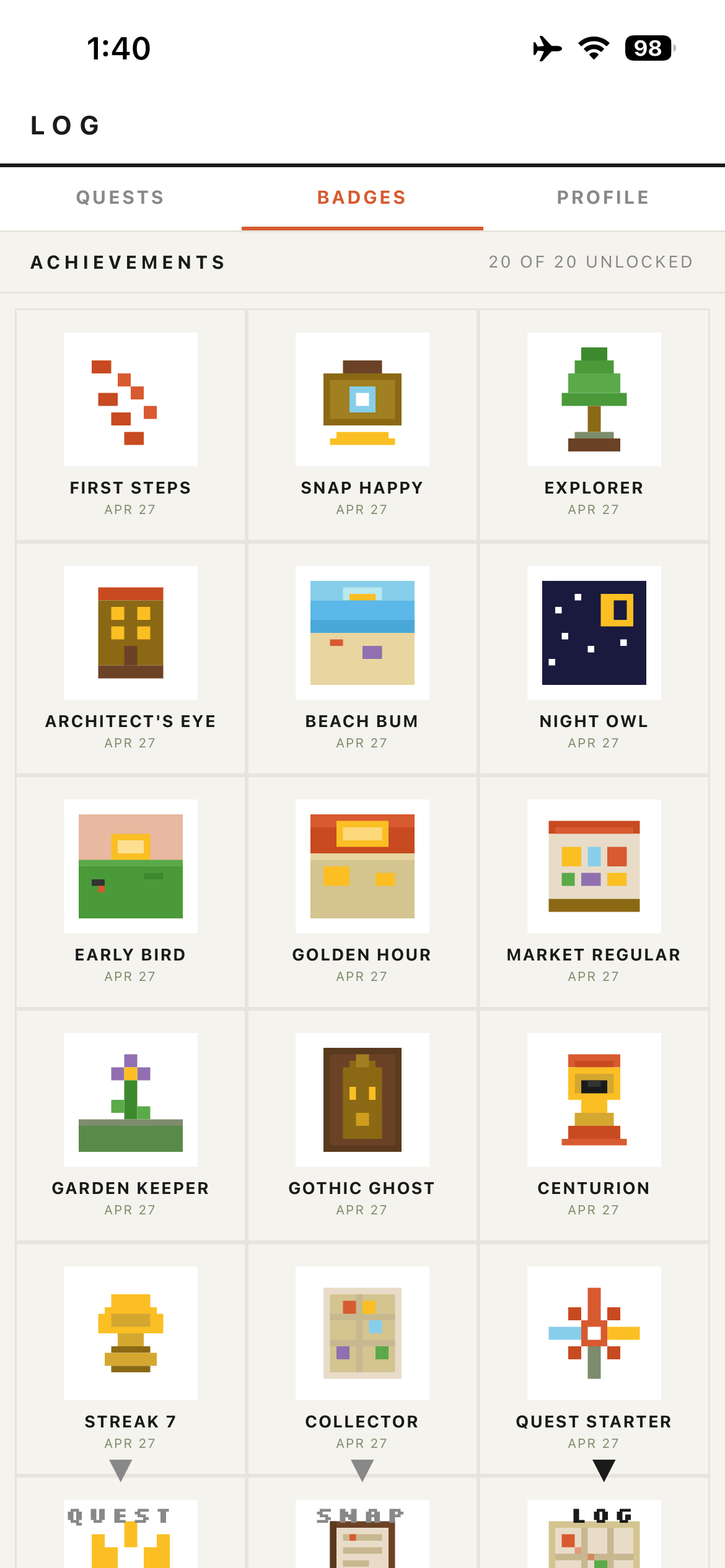
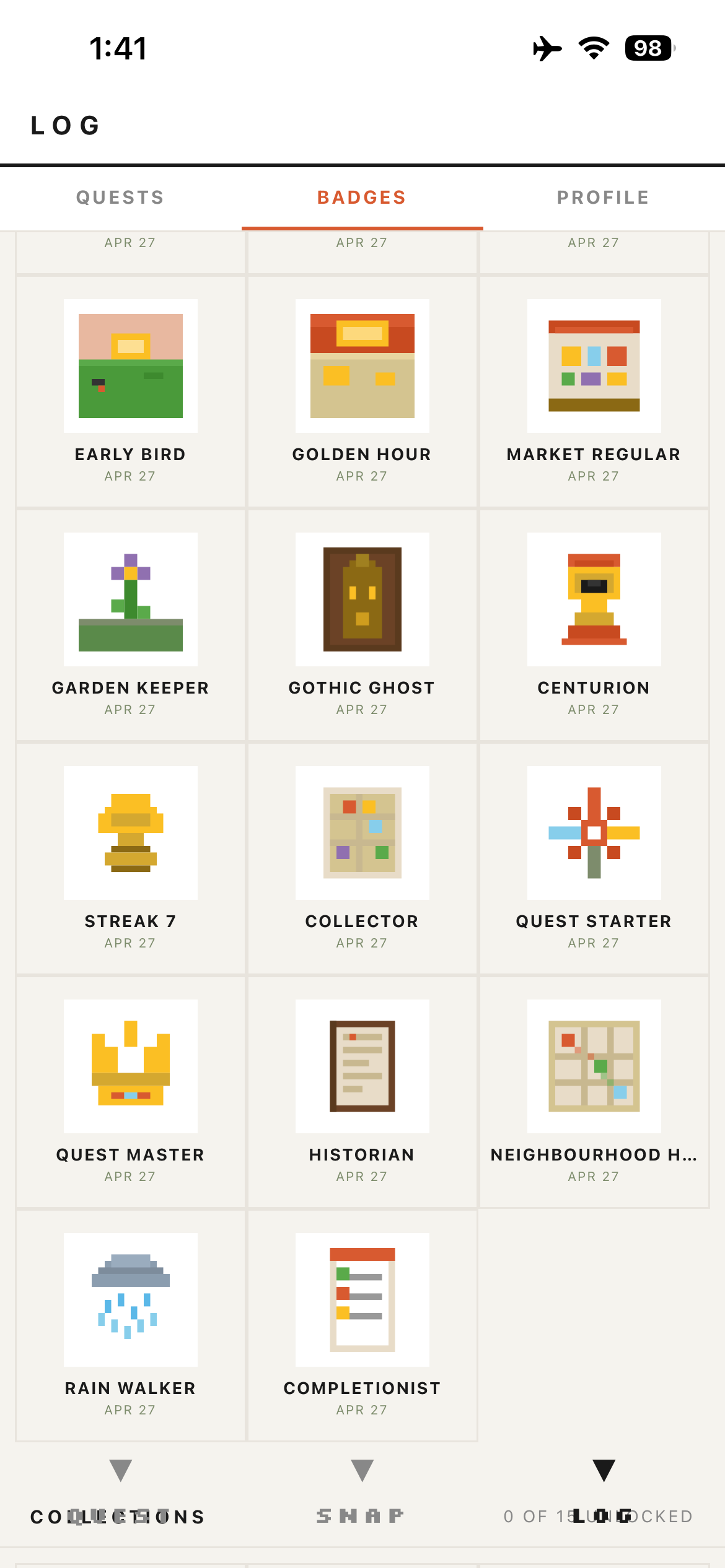
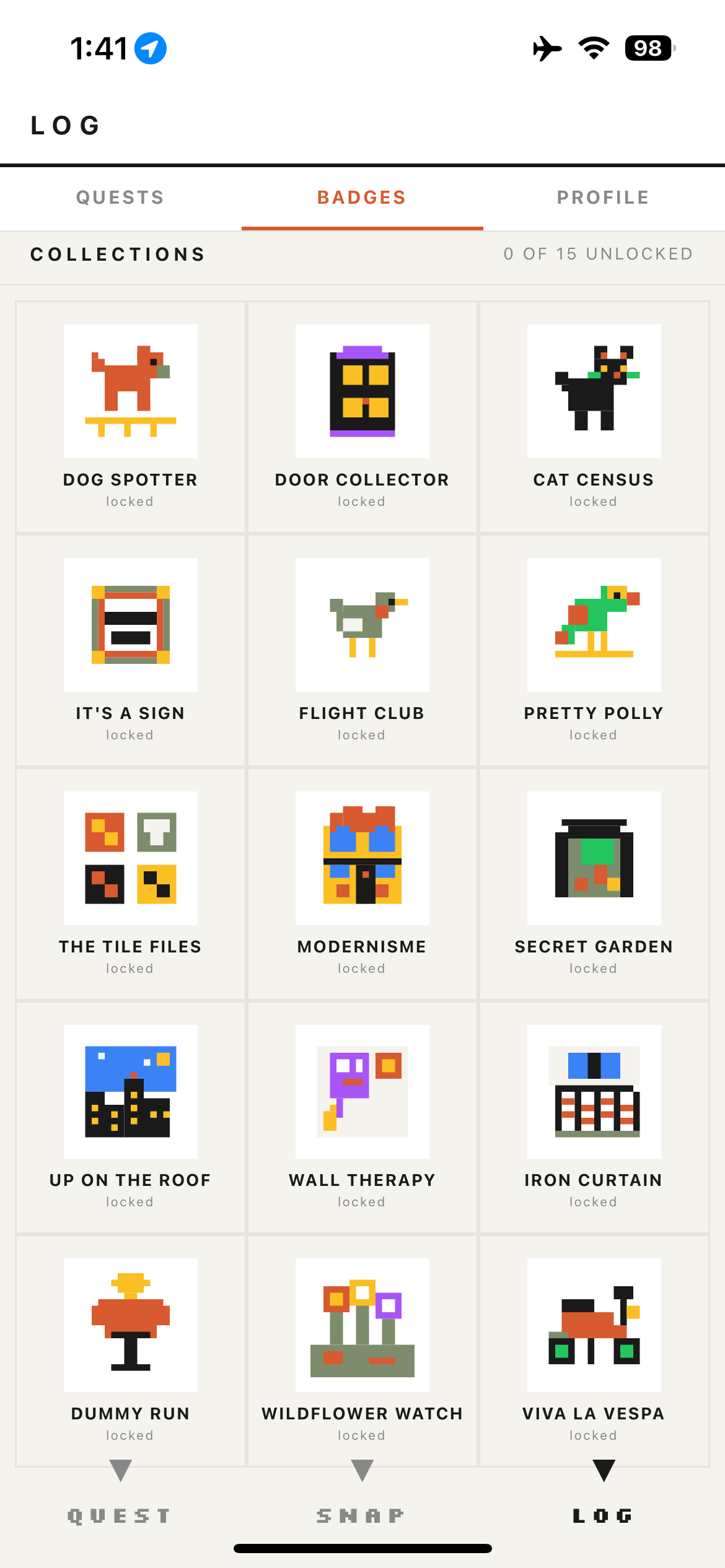
| Gamification | None | 39 badges, streaks, taste profile | Exploration needs motivation loops. Badges create engagement without efficiency pressure. |
| Content | Google Places + curated POIs | AI-generated quests + curated library | Places are finite. Quests are infinite. AI generates fresh missions from the same city data. |
| Sharing | Save routes locally | Public snap map + shareable collections | User snaps become the discovery layer for the next user. The product markets itself through content. |
Lessons from designing two AI products – what worked, what didn't, and what I'd do again.